Journal and messages
Use Journal for timeline-ready care notes and Messages for quick team communication and follow-up coordination.
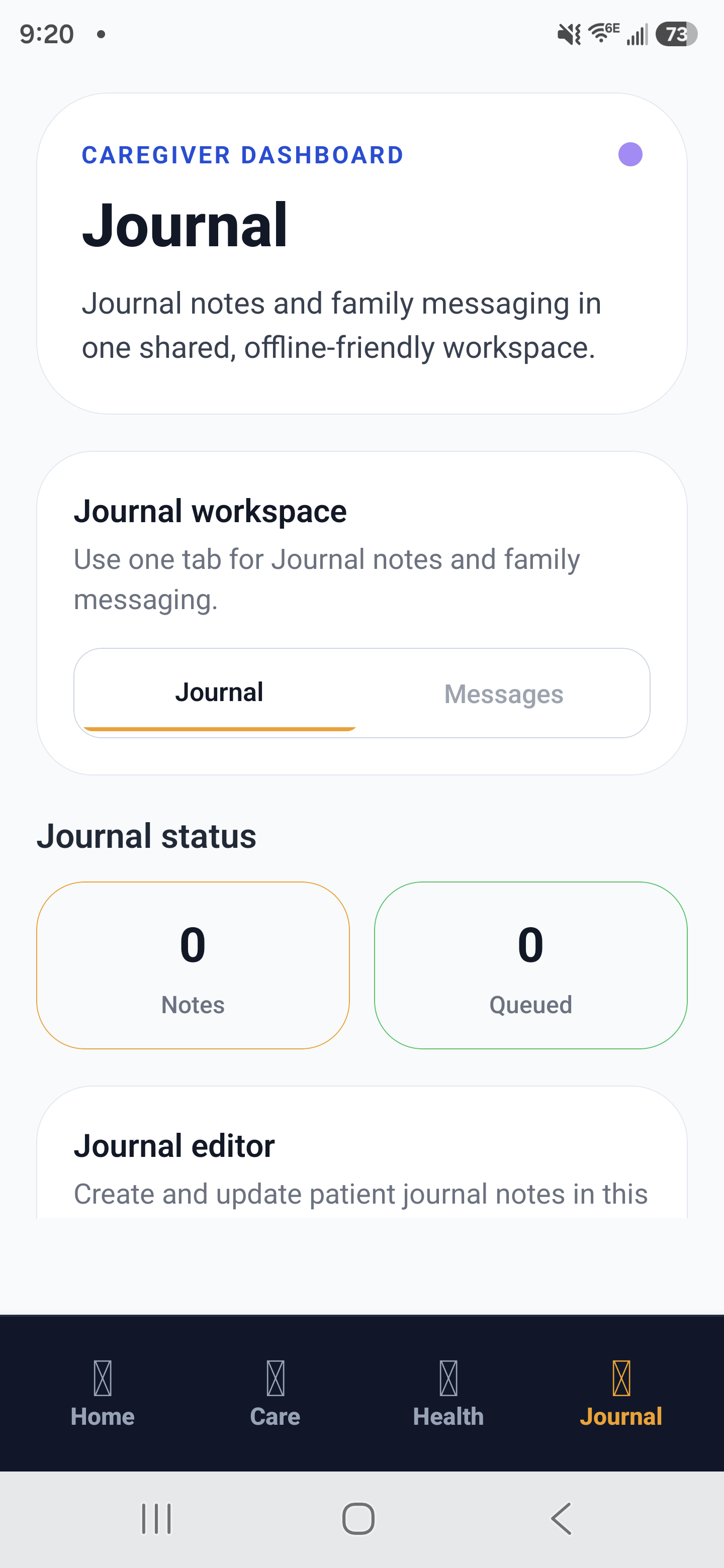
Journal workspace: the shared timeline for patient notes and message coordination.
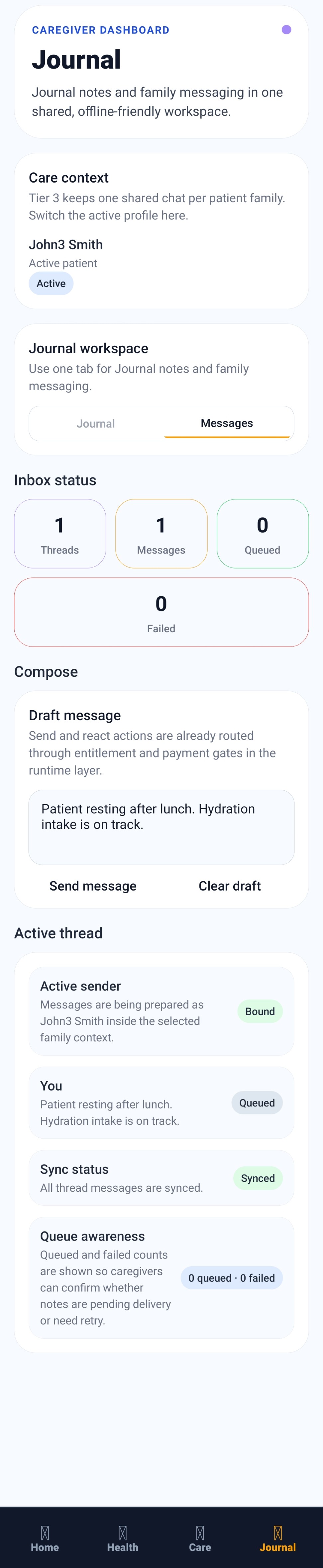
Message thread view: draft, queue, and sync communication between family or care team members.
When to use Journal vs Messages
- Journal: clinical or care-relevant observations that should remain in the long-term timeline.
- Messages: time-sensitive coordination, clarifications, and shift communication.
- If a message includes a care event, add a matching journal entry so records stay complete.
Best-practice workflow
- Document the care event in Journal with timestamp and objective details.
- Send a Message to notify the next caregiver of actions needed.
- Close the loop by confirming completion in Message thread or handoff notes.
- Keep PHI-focused details in the app and avoid vague or incomplete summaries.
Example
Journal entry: 13:20, patient reported dizziness after standing, BP recorded, hydration encouraged. Message sent to evening caregiver: monitor standing symptoms and repeat BP at 16:00.