Backup and restore
Protect care records by creating reliable backups and testing restore steps before an emergency.
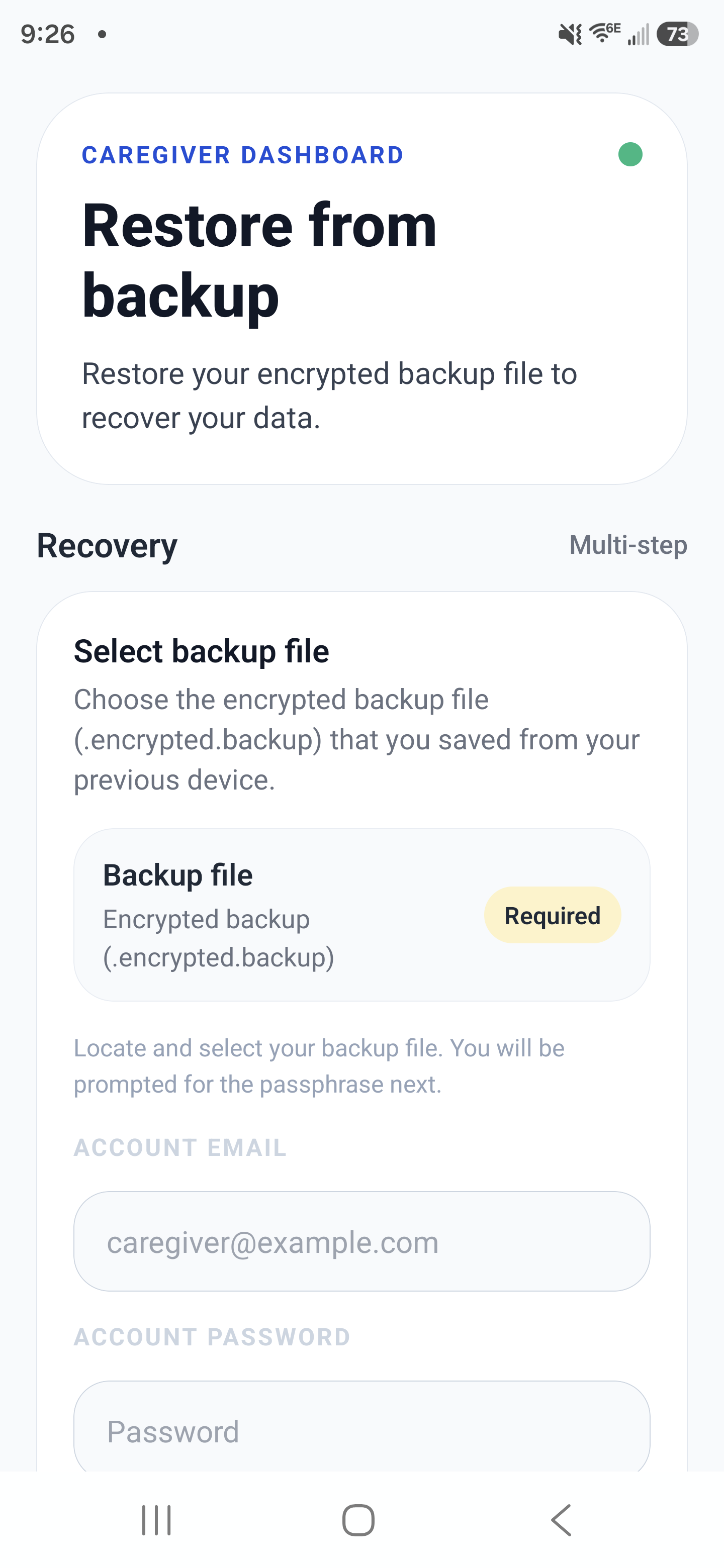
Backup and restore flow: select an encrypted backup file and re-enter credentials to recover data safely.
Backup workflow
- Create a backup before major account, device, or workflow changes.
- Label backups with date/time and device name for easier recovery.
- Confirm backup completion status before closing the app.
- Keep a regular backup cadence for active care accounts.
Restore workflow
- Select the correct backup snapshot for the patient or family context.
- Restore on the intended device and keep the app open until completion.
- Validate critical data after restore: medications, tasks, appointments, and recent notes.
- Run a sync check so all approved devices converge to the same state.
Example
A caregiver replaces a damaged phone, restores the latest backup, verifies medication schedules and task history, then confirms all updates sync to the family admin device.